
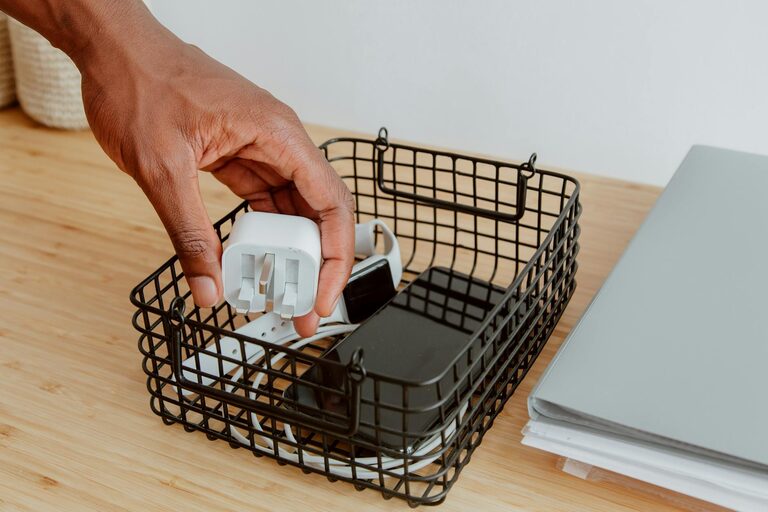
Keeping your cables and chargers organized can make a big difference in your daily routine and the appearance of your workspace or living area. Tangled cords and scattered electronics not only look messy but can also cause frustration and even damage to your devices. Fortunately, with a few practical tips and tools, you can create a neat, efficient system for managing cables and chargers. This guide will walk you through effective methods to keep your cords in order.
Why Organizing Cables Matters
Before diving into the how-to, it’s helpful to understand the benefits of organizing cables:
– Reduced clutter: Neat cables make your space look cleaner and more inviting.
– Easier access: You can quickly find the charger or cable you need without untangling knots.
– Prolonged cable life: Proper storage prevents damage like bending or fraying.
– Improved safety: Organized cords reduce tripping hazards and electrical risks.
Now, let’s explore how you can achieve these benefits.
Step 1: Gather Your Supplies
Start by collecting some basic tools and organizers. Here are a few items that will make cable management easier:
– Cable ties or Velcro straps
– Cable sleeves or tubes
– Cable clips or holders
– Storage boxes or drawer organizers
– Labels or masking tape and pens
– Ziplock bags or small pouches
Having these on hand will help you sort and store cables effectively.
Step 2: Sort and Declutter Your Cables
Go through all your cables and chargers and separate them into categories:
– Chargers and cables in current use
– Spares or backups
– Cables that are broken or obsolete
Dispose of any damaged or unused cables responsibly by recycling them if possible. Keep only the cables you actually use, reducing clutter and confusion.
Step 3: Label Your Cables
Labeling cables prevents guesswork and helps you identify each cord quickly.
– Use small stickers, masking tape, or commercial cable labels.
– Write down the device the cable belongs to, e.g., “Phone charger” or “Laptop power.”
– Attach the label near the plug or the connector end.
Labels maintain clarity, especially when cables are stored together.
Step 4: Roll or Coil Cables Properly
Coiling your cables correctly prevents tangling and damage:
– Use the “over-under” or figure-eight method for thicker cables.
– For thinner cables, wrap them loosely in a circular shape.
– Secure coils using Velcro straps or reusable ties.
– Avoid folding cables sharply as this can damage internal wires.
This step makes cables compact and easy to store.
Step 5: Use Storage Solutions
Choose a storage method depending on your needs and space:
Cable Organizers and Holders
– Cable clips stick to desks or walls to keep cables accessible and in place.
– Cable boxes hide power strips and excess cord length, reducing visual clutter.
Drawer Organizers and Dividers
Keep cables separated in drawers using small containers or dividers to avoid mixed and tangled cords.
Cable Sleeves and Tubes
Group multiple cables together using sleeves or tubes. These keep cables neat when running them from your desk to power outlets.
Ziplock Bags or Pouches
For portable cables or chargers, use labeled bags or pouches to keep everything tidy in bags or backpacks.
Step 6: Manage Cables at Power Sources
Unruly power strips and chargers often add to the mess. Here’s how to tidy that area:
– Use cable ties to bundle cables running to power strips.
– Mount power strips under desks or behind furniture with adhesive brackets.
– Hide chargers and plugs in designated cable management boxes.
– Leave enough slack to avoid strain but avoid excessive length dangling loosely.
Step 7: Maintain Your System Regularly
Cable organization is an ongoing process. Schedule a quick tidy-up every few months:
– Check and update cable labels.
– Remove cables you no longer use.
– Re-coil or adjust cables as needed.
– Dust and clean storage areas.
Regular maintenance keeps your setup functional and tidy.
Additional Tips for Special Situations
– Travel: Use cable organizers designed for travel, like roll-up pouches or compact cases.
– Home office: Invest in a desk with built-in cable management channels or grommets.
– Entertainment centers: Use cable ties and clips to group HDMI, power, and audio cables behind TV stands.
Conclusion
Organizing cables and chargers doesn’t have to be overwhelming. By sorting, labeling, coiling, and storing cables thoughtfully, you can enjoy a clutter-free space that’s both functional and visually appealing. Start with small steps and customize your system as you go along—the peace of mind from a neat setup is worth the effort.
—
By following these steps, you’ll create a cable organization system that saves time, protects your devices, and keeps your space looking great. Happy organizing!